Offline Activation โ As Good As Online
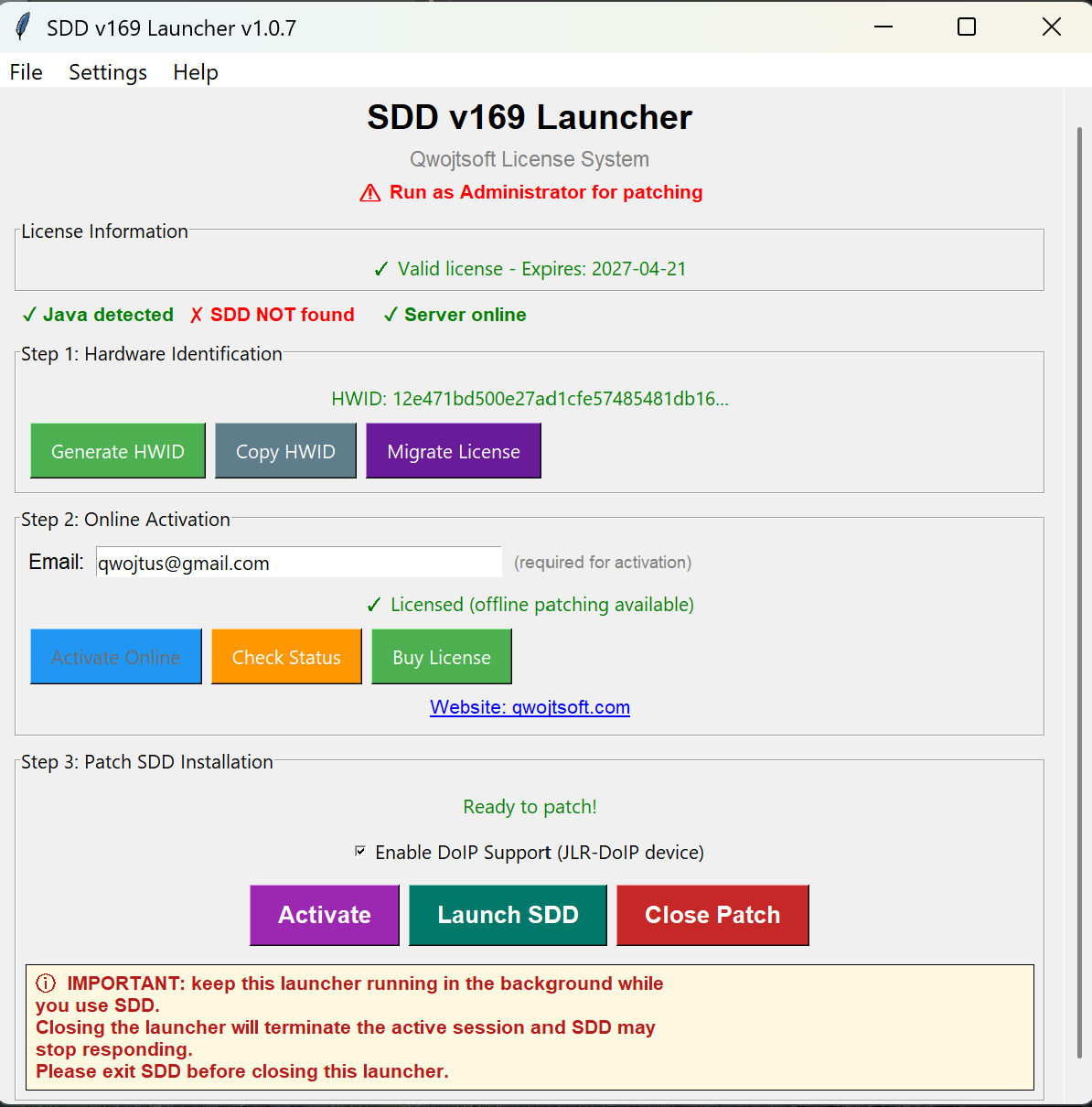
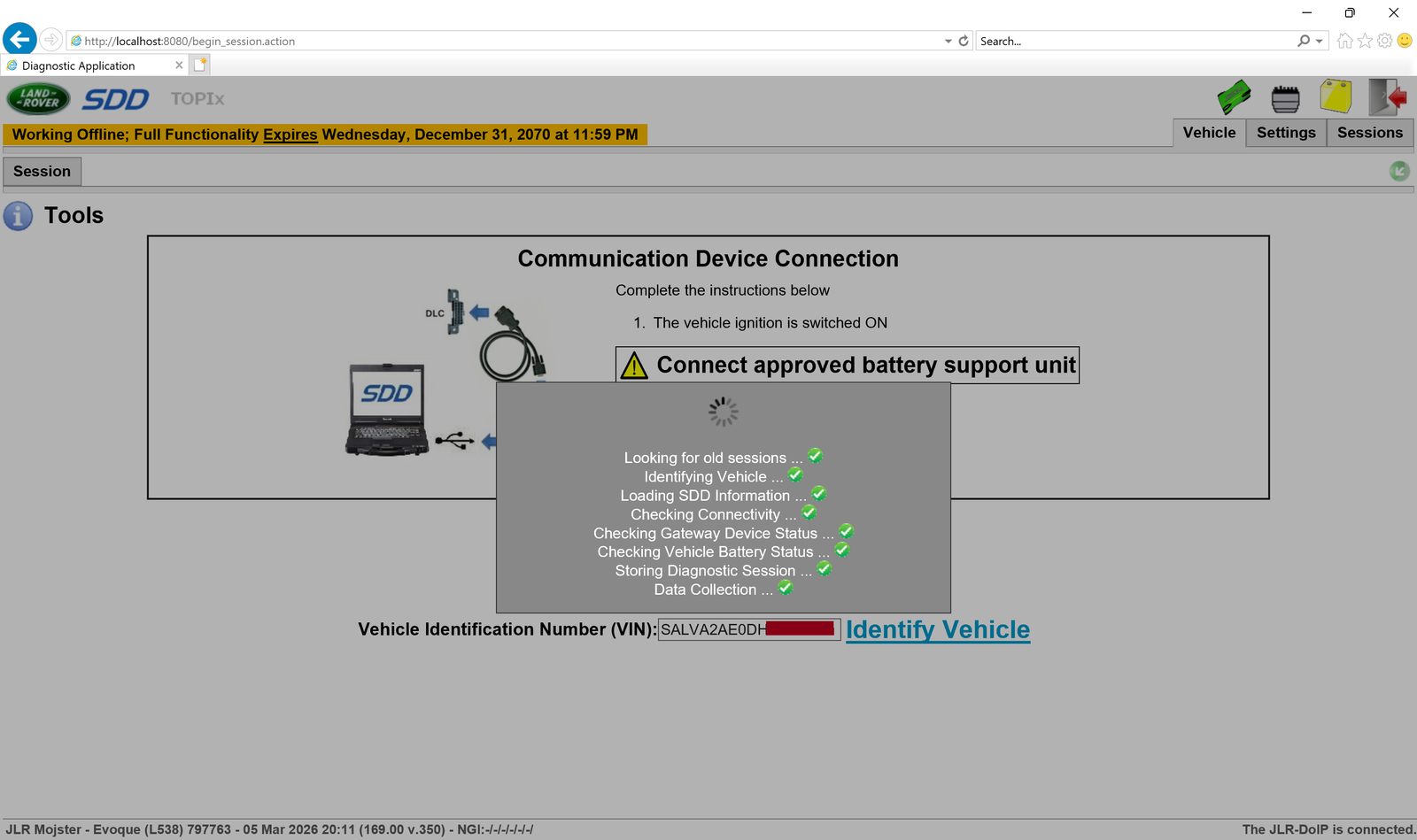
Professional offline launcher for JLR SDD v169. Hardware-bound licensing enables full diagnostic capabilities for Jaguar and Land Rover vehicles with DoIP support.
DiTEST Diagnostic Activation
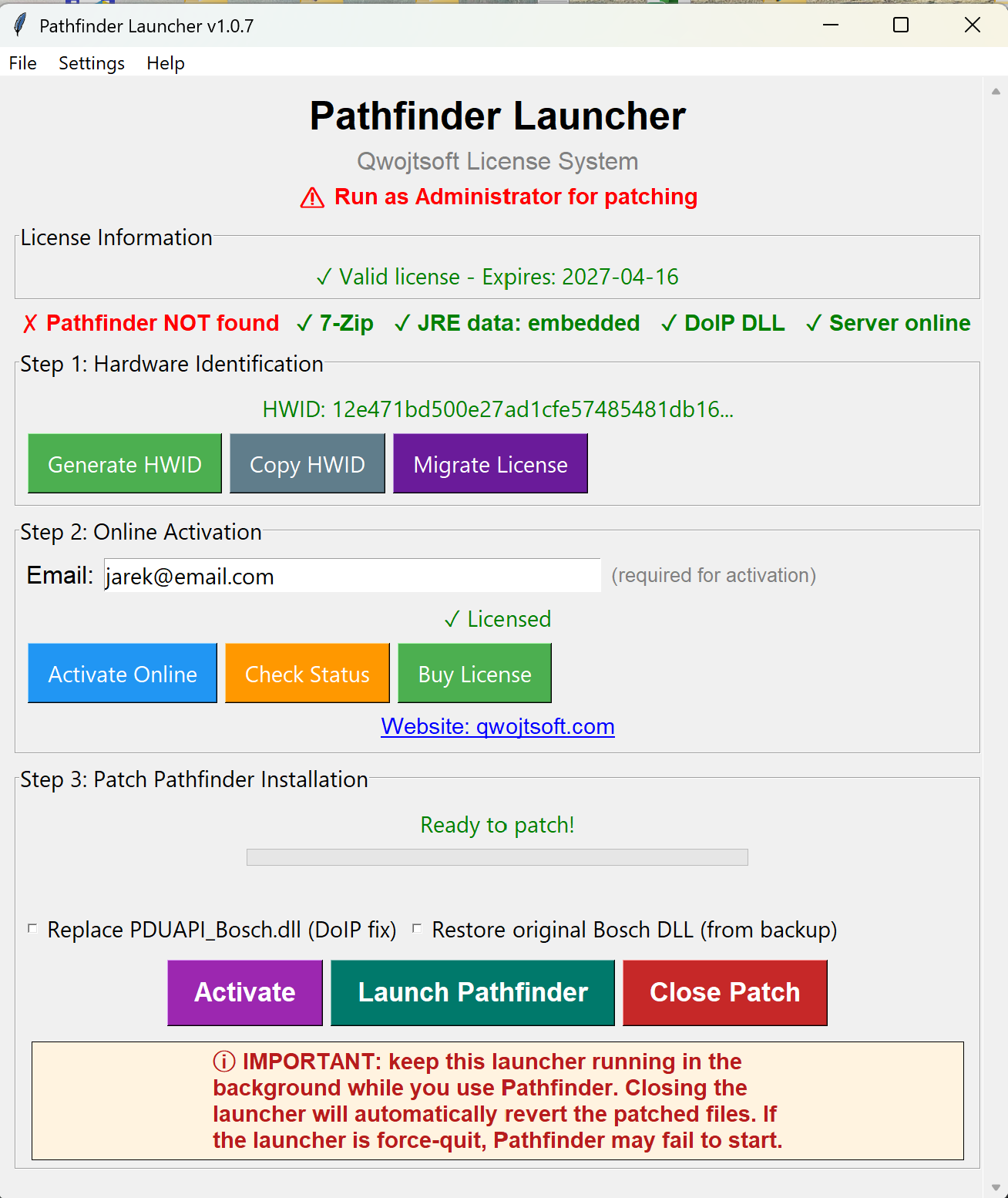
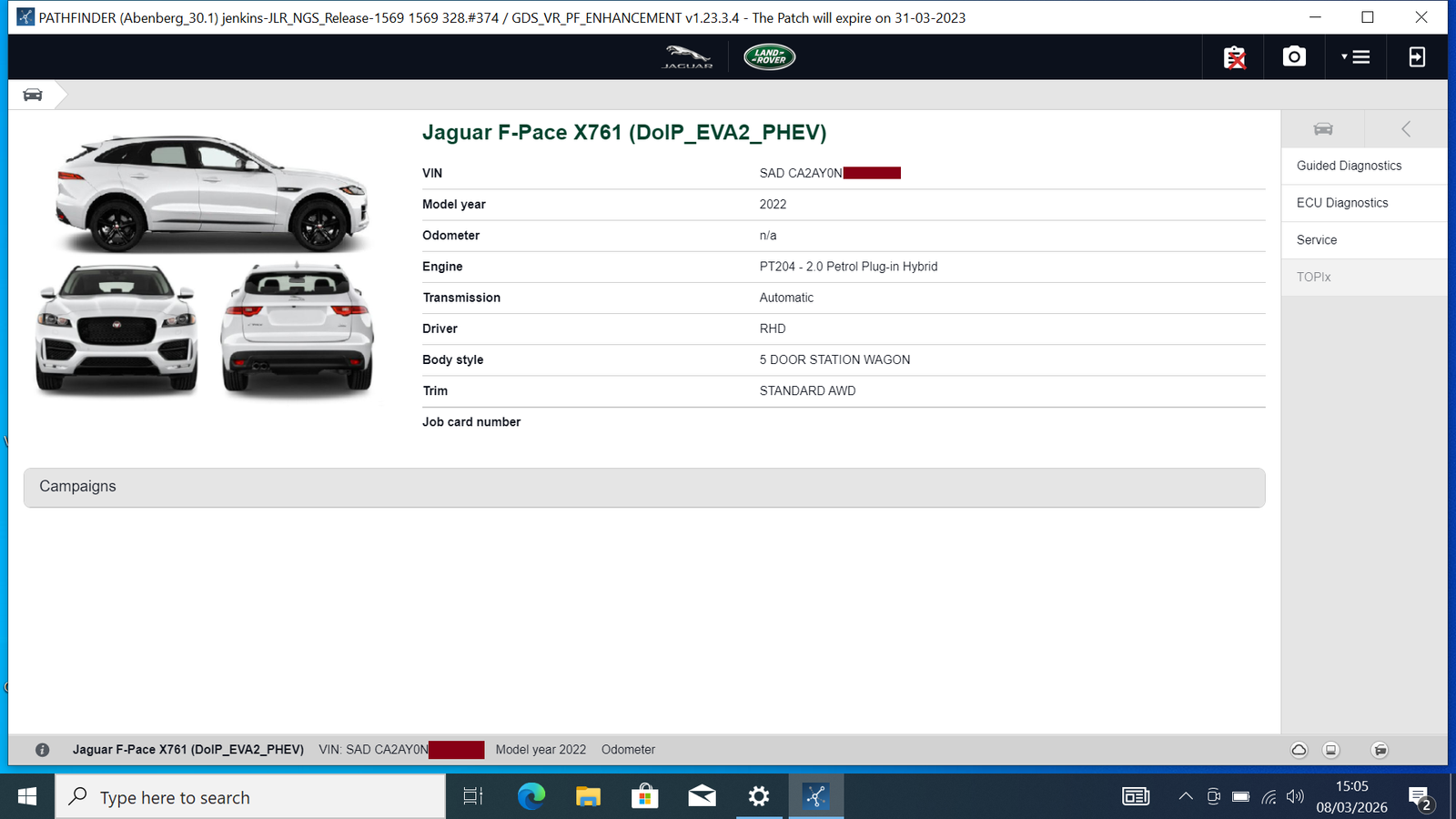
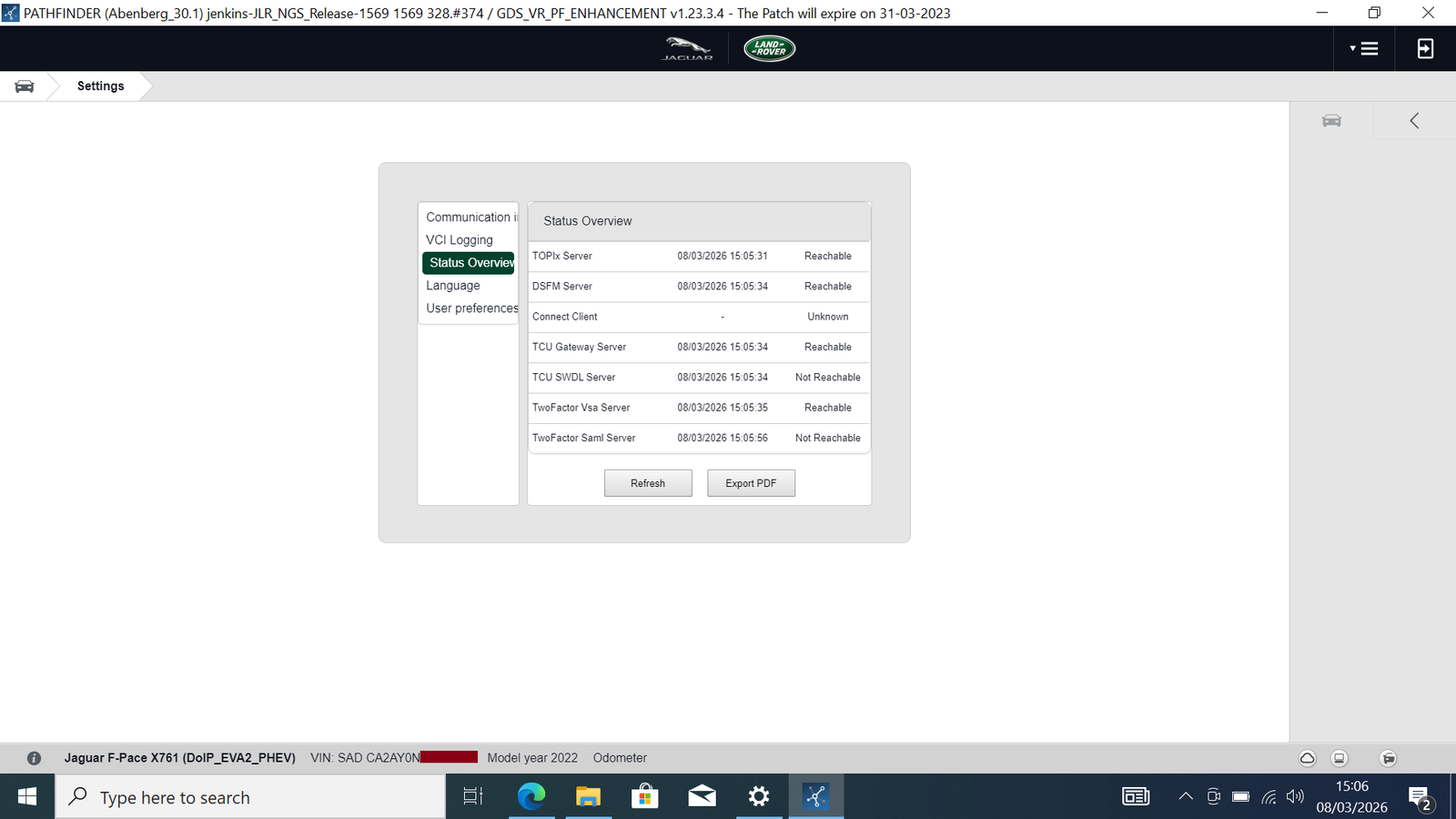
Professional offline launcher for Pathfinder diagnostic software. Works without internet connection after setup. Full DSFM functionality enabled after reading VIN from vehicle.
Choose based on your vehicle model year
For older Jaguar and Land Rover vehicles with traditional diagnostics.
View SDD LauncherFor newer Jaguar and Land Rover vehicles with DoIP/Ethernet diagnostics.
View Pathfinder LauncherNote: 2017 vehicles may work with either tool depending on the specific model and build date. Contact us if unsure.
What you need to run JLR diagnostic tools
Windows 10/11 (64-bit) - Fresh installation recommended for best results.
SDD v169 or Pathfinder installed at default location. Clean installation required.
Run activation tool as Administrator for proper file deployment.
~200 MB free space recommended for full activation.
Simple 3-step activation for both tools
Enter your email, generate your unique Hardware ID, and save the activation request file.
Email the activation file to info@qwojtsoft.com along with your payment confirmation.
Load the received license file and click Activate. Your software is ready to use!
Please read before purchasing
Remove any previous patches before activation. Use a clean SDD v169 or Pathfinder installation for best results.
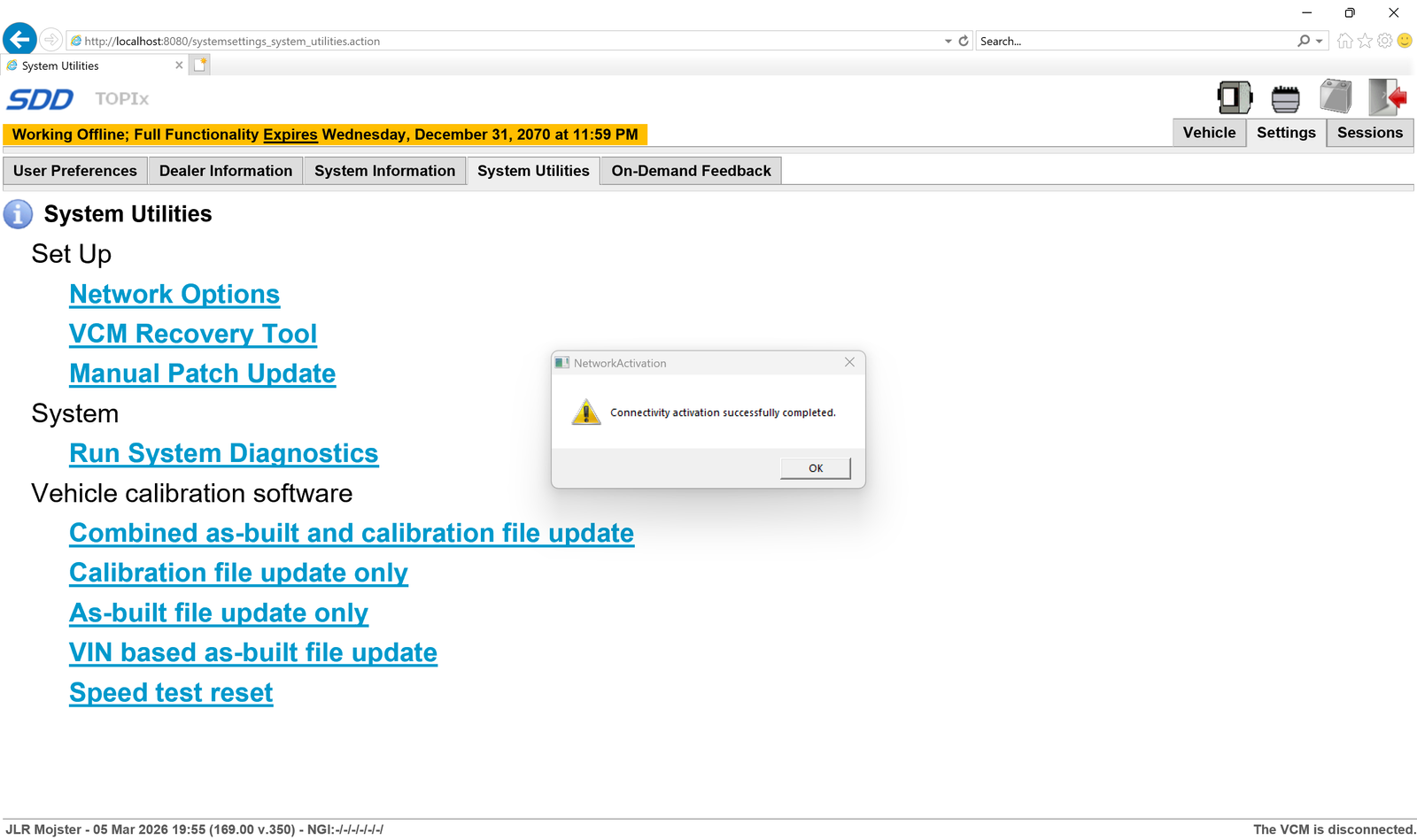
After activation: Open SDD โ Utilities โ Activate Network. Works fully online.
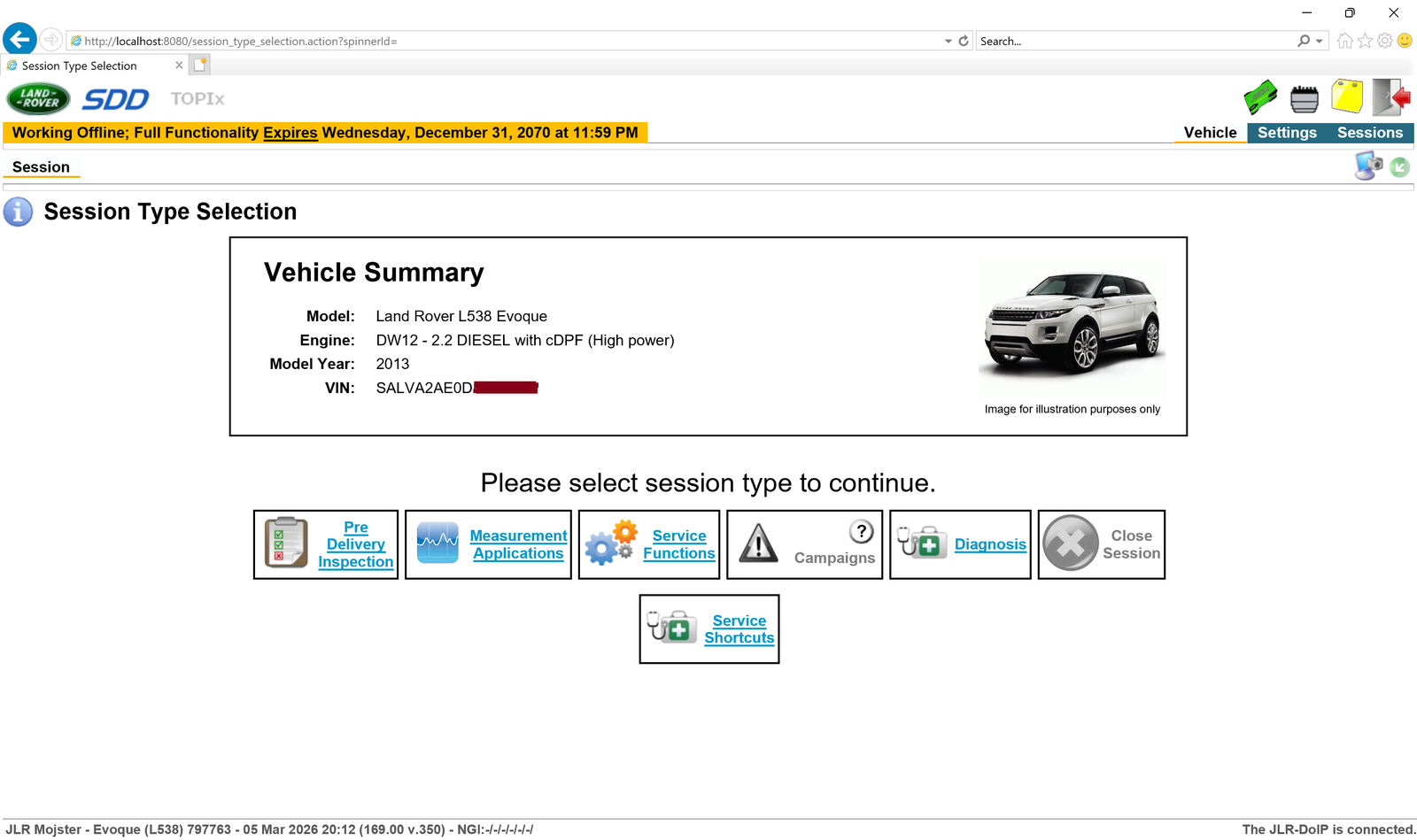
No login required after patching. DSFM enabled after connecting interface and reading VIN from vehicle.
License is tied to your specific hardware. Contact us for transfer if you change your PC.
See the diagnostic tools in action
Latest improvements to JLR Tools
Get started with JLR diagnostic tools today. โฌ199 per tool, one-time purchase.